
Painting, for people who
like making a mess.
Draw and paint together, on one canvas.
Twelve brushes that answer the way real ones do, a canvas with no edges, and up to eight people painting on it at the same time.
 Free to download. One purchase unlocks it on iPhone, iPad and Mac.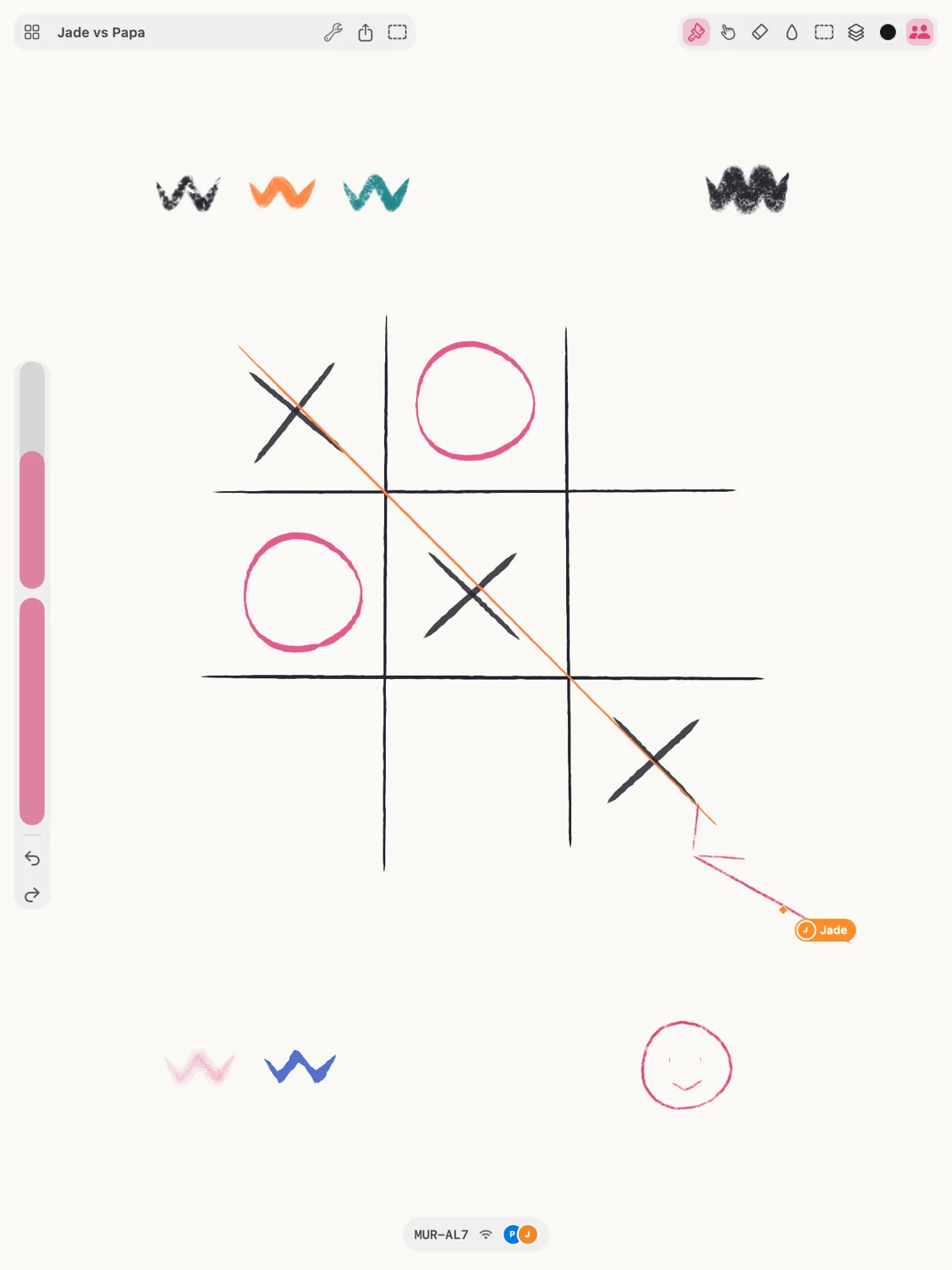
The part nothing else does
One canvas. Everyone on it.
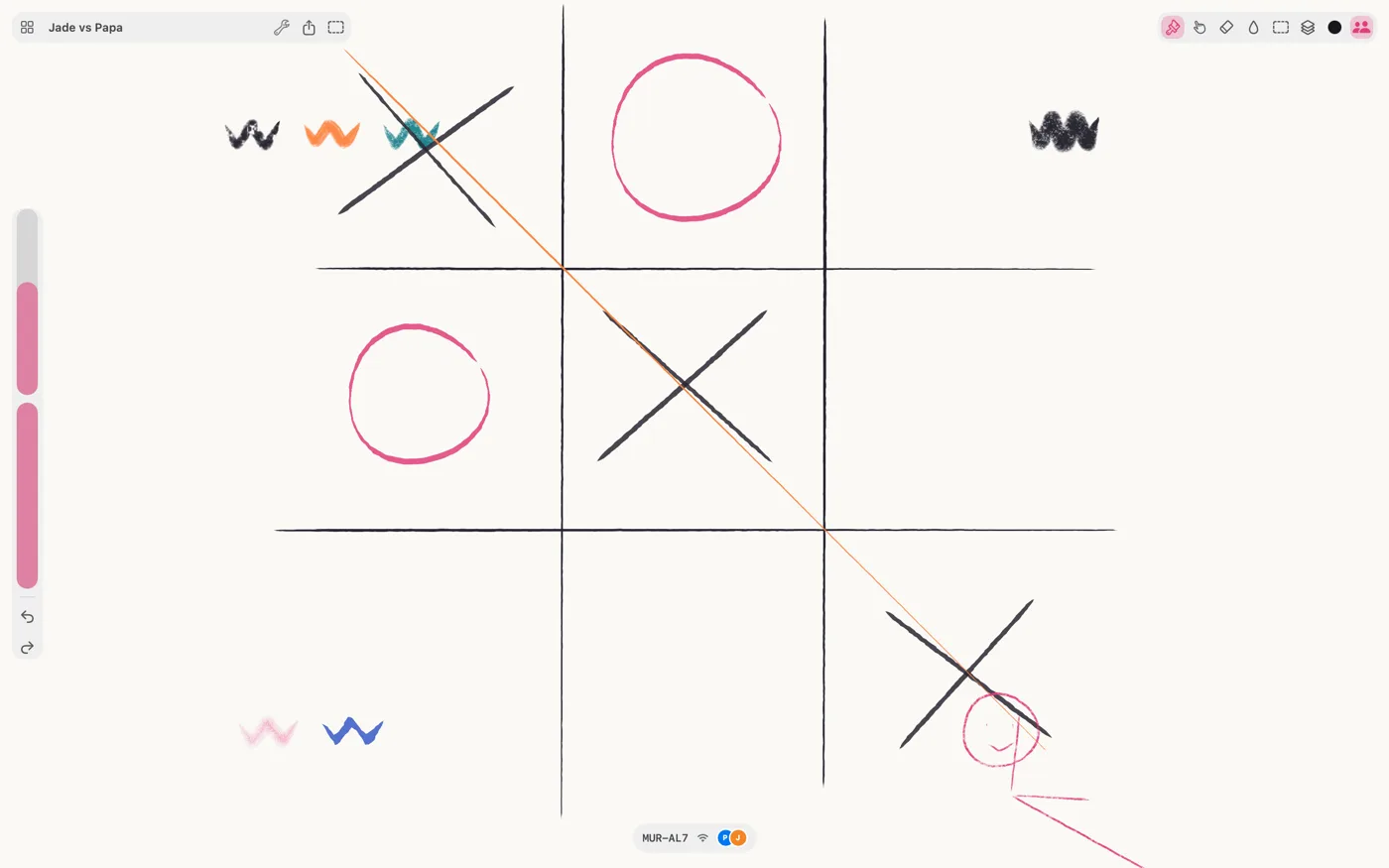
Share a six-character code and up to eight people paint together, live — every stroke landing as it's drawn, not when someone saves. Everyone gets their own layer, so nobody paints over anybody by accident, and you can follow someone's view or jump to where they're working.
On the same Wi-Fi, or anywhere
Across the room or across the world.
On the same network, devices find each other and connect directly. Anywhere else, the session goes through a relay that passes along messages it cannot read — every session is encrypted end to end from the room code itself. Share the code and they're in.
The feel
The stroke is under the pencil.
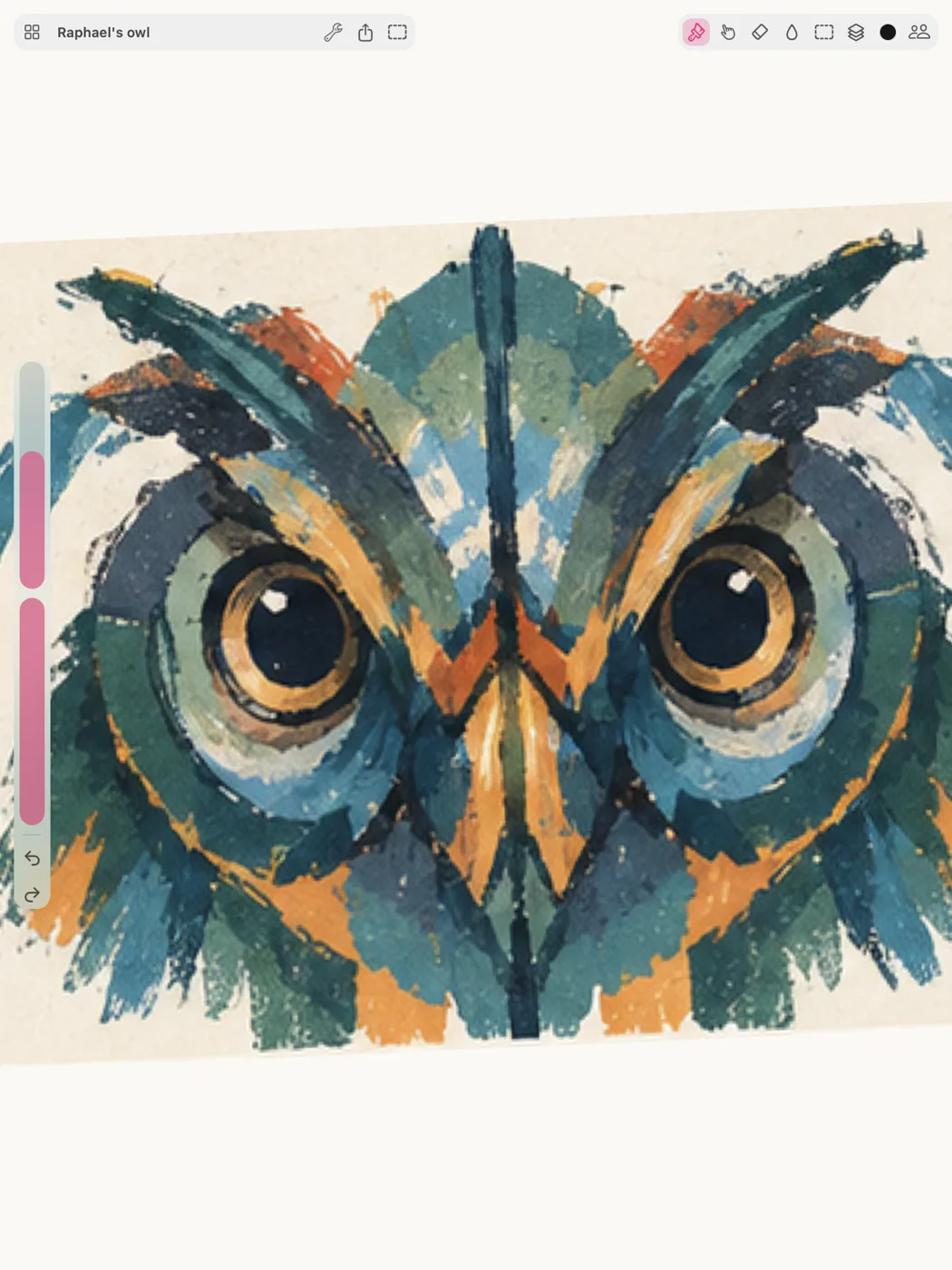
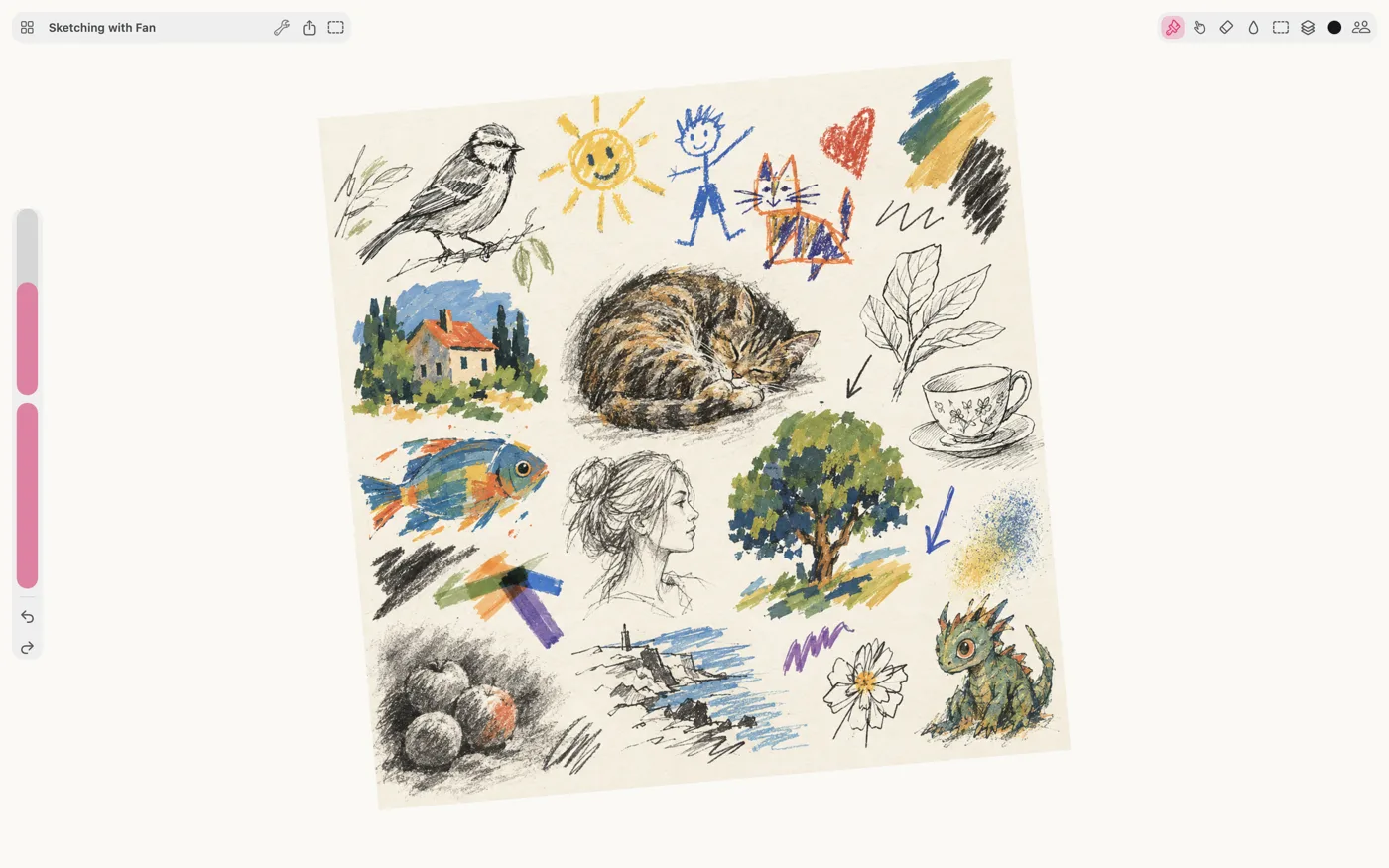
Pencil, technical pen, fineliner, brush pen, marker, gouache, charcoal, chalk, spray, airbrush and two rounds — all of them reading pressure, tilt and speed, with real grain that breaks up over the paper. 120 frames a second, however big the canvas gets.
A real toolbox
A studio, not a sketch toy.
Layers, groups, clipping and blend modes. Smudge, fill and selections you can move, scale and turn. Symmetry when you want it, gone when you don't. Undo as far back as you like — and a time-lapse of the whole painting at the end.
No edges
Start anywhere. Decide the crop later.
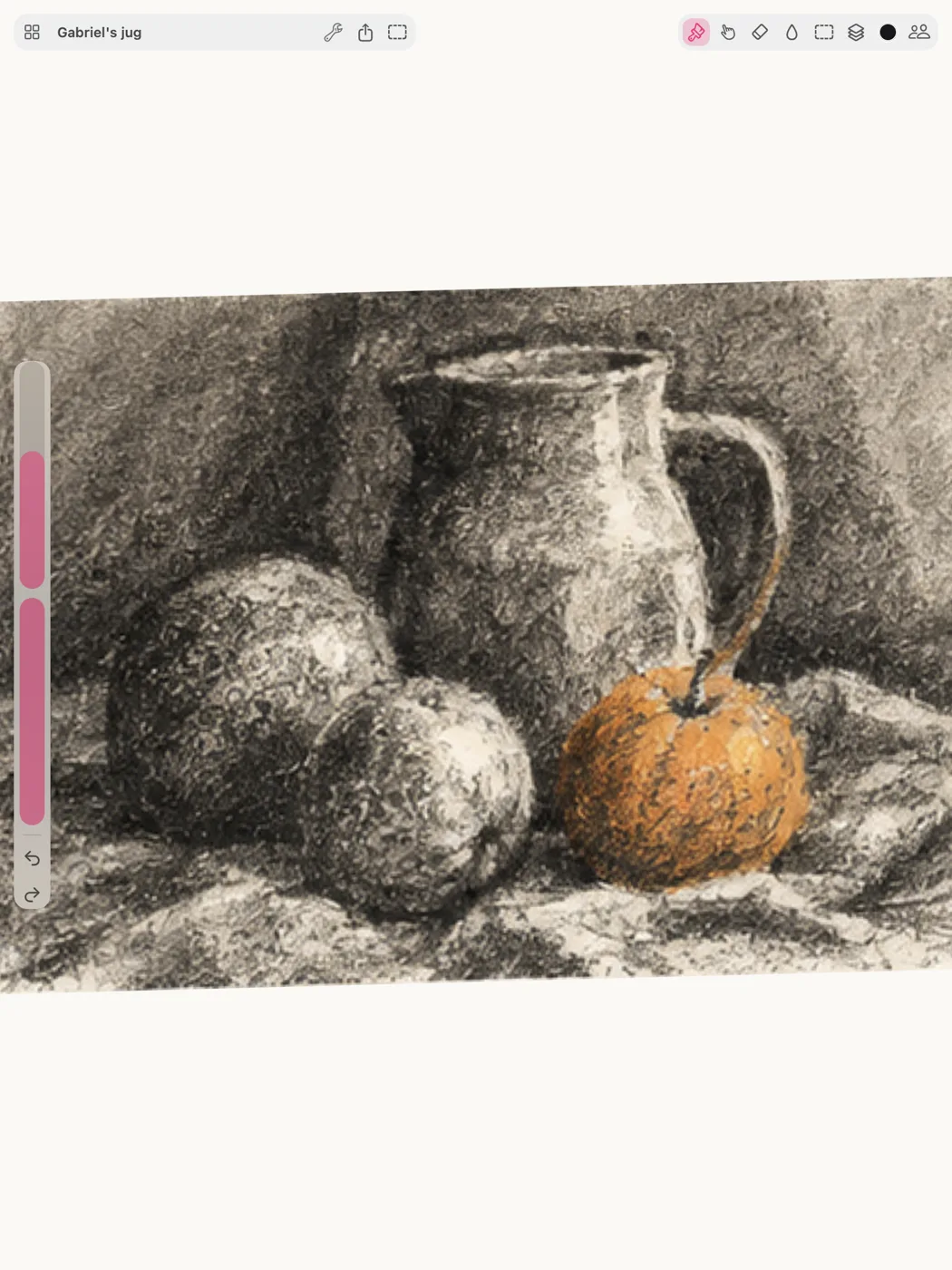
The canvas has no fixed size. Zoom out and keep going, put three ideas side by side, and export at full resolution whenever one of them turns into something.
Your work
Real files, in a folder you choose.
Paintings are files on your device or in your own cloud storage. Open them, move them, back them up, or stop using Smudjo entirely — they are yours either way. Export at full resolution, or share the time-lapse.
Built for each one
Not a website in a box
Smudjo is written in Swift, draws with Metal, and opens instantly. One purchase covers all three.
iPhone
The whole app in one hand — brushes, layers and sessions, with the chrome folded down to fit.
iPad
Pressure, tilt and speed from Apple Pencil, at 120 fps on a canvas with no edges.
Mac
A window per painting, real menus, and every keyboard shortcut you'd reach for.
Who makes this
Shipping creative tools since 2011
Smudjo is made by Gargant, an independent studio in France that has been writing native apps for Apple platforms since 2011. The same studio makes Reflow, a notation editor musicians have paid for and used for over a decade, and Pyxen and Qwartz for people who make games. No investors, and no roadmap written by anyone else.
Price
One purchase. That's the whole thing.
$12.99
once. No account needed.
- Every brush and every tool, from the first launch
- Unlimited paintings and layers
- Export at full resolution
- Host a room of up to eight people
- Keep the paintings you make in someone else's session
Free to try, with every brush and tool: up to five paintings, five layers each, exports up to 1080 px, and one guest when you host. Joining someone else's session is free, with no limits.
Free to download. One purchase unlocks it on iPhone, iPad and Mac. Get someone else to draw on it.
Smudjo is better with two. Send them a code and find out.
Free to download. One purchase unlocks it on iPhone, iPad and Mac.