
In short. Each painting is a .smudjo file in iCloud Drive › Smudjo, or on the device when iCloud Drive is off. It saves as you go. The home screen lists them, newest first; Files and Finder see the same files.
The home screen
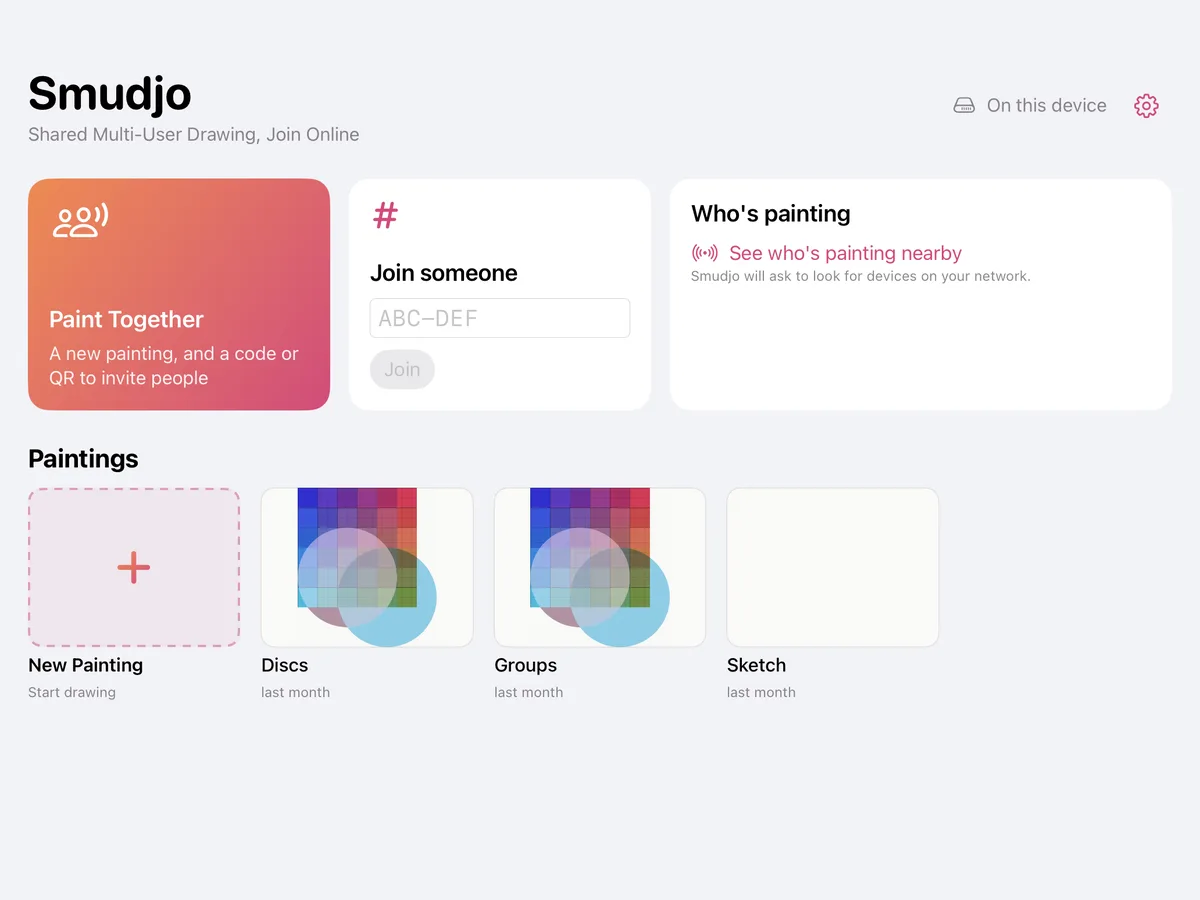
New Painting, the first tile, starts one at once (⌘N on a Mac). Tap a painting to open it; the paintings button at the top left of a painting brings you back.
Hold a painting (right-click on a Mac) for its menu: Time-lapse…, Rename…, Duplicate, Delete, and on a Mac Show in Finder. Past twelve paintings, a search field finds one by its name. Initials on a painting show who else painted in it.
On a Mac, the home screen is a window of its own, and each painting opens in its own window.
Where they are
With iCloud Drive on, paintings are in Smudjo’s folder there, shown as Smudjo in the Files app and in Finder, and on every device signed in to the same Apple Account. With iCloud Drive off, they stay on the device, and the home screen says so.
They’re ordinary files: open them from Files or Finder, move them, copy them to a drive, or back them up like anything else. A painting opened from somewhere else stays where it is, and saves there.
Saving
There’s no Save: a painting saves as you go, a moment after you stop painting and when you leave it. Each painting keeps its whole history, every stroke in order, which the time-lapse plays back.
If a save can’t be written (a full device, iCloud Drive away), Smudjo tries again by itself. If a painting is closed with changes that couldn’t be saved, it keeps a copy on the device, in a folder named Recovered.
When the same painting was changed on two devices before iCloud Drive could bring them together, Smudjo keeps both: the other one as a copy beside it.
How many paintings
The free version keeps five paintings; Smudjo Unlocked takes the limit away. Delete one, or move it out of Smudjo’s folder, to make room.